Expandable Battery Compatibility: Check the Exact Station, Pack, and Cable
Verify an extra battery by model number, approved cable, system limits, charging plan, and storage requirements before expanding a power station.

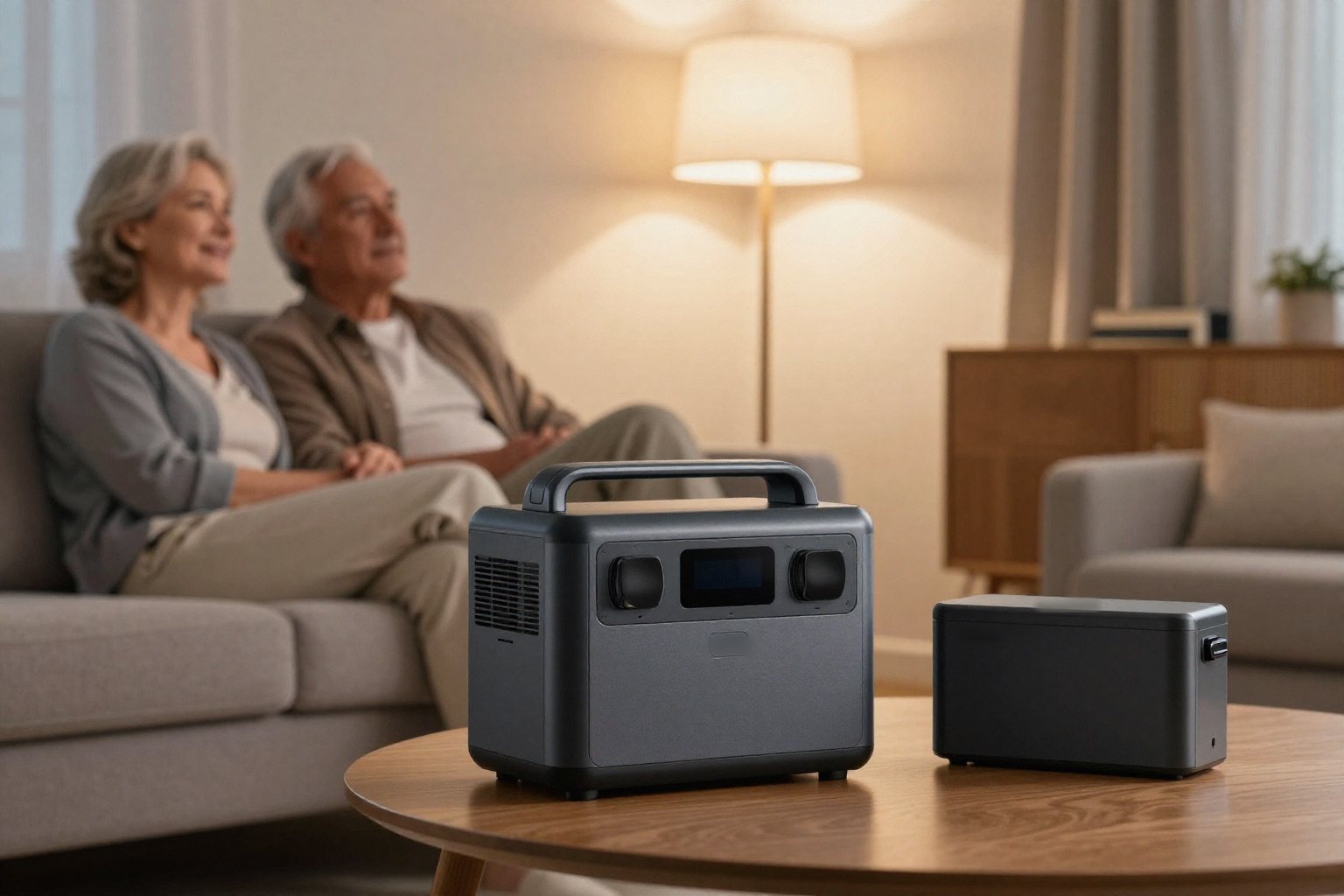
Only buy an expansion battery when the manufacturer clearly supports it with your exact station. Brand name, connector shape and capacity on the box are not enough. First work out what you are short of: more stored energy, more output, or a second independent power source. Those are three different problems with three different fixes.
Affiliate disclosureAs an Amazon Associate we earn from qualifying purchases made through links on this page. Commissions never change our ratings.
Identify what you are trying to improve
If a station runs an appliance normally but your energy budget is too short, supported extra capacity may be worth considering. If the appliance is outside the station's documented output or starting capability, do not assume another battery fixes the mismatch. Treat power and energy as separate specifications, as explained in our watts and watt-hours guide.[1]
EcoFlow's DELTA 3 manual describes its extra-battery port as expanding battery capacity and lists AC output separately. The practical buying rule is to retain the base station's published output limits unless the manufacturer explicitly documents a different system rating. An extra Wh figure is not evidence of a higher AC rating.[5]
Match full model numbers, not family names
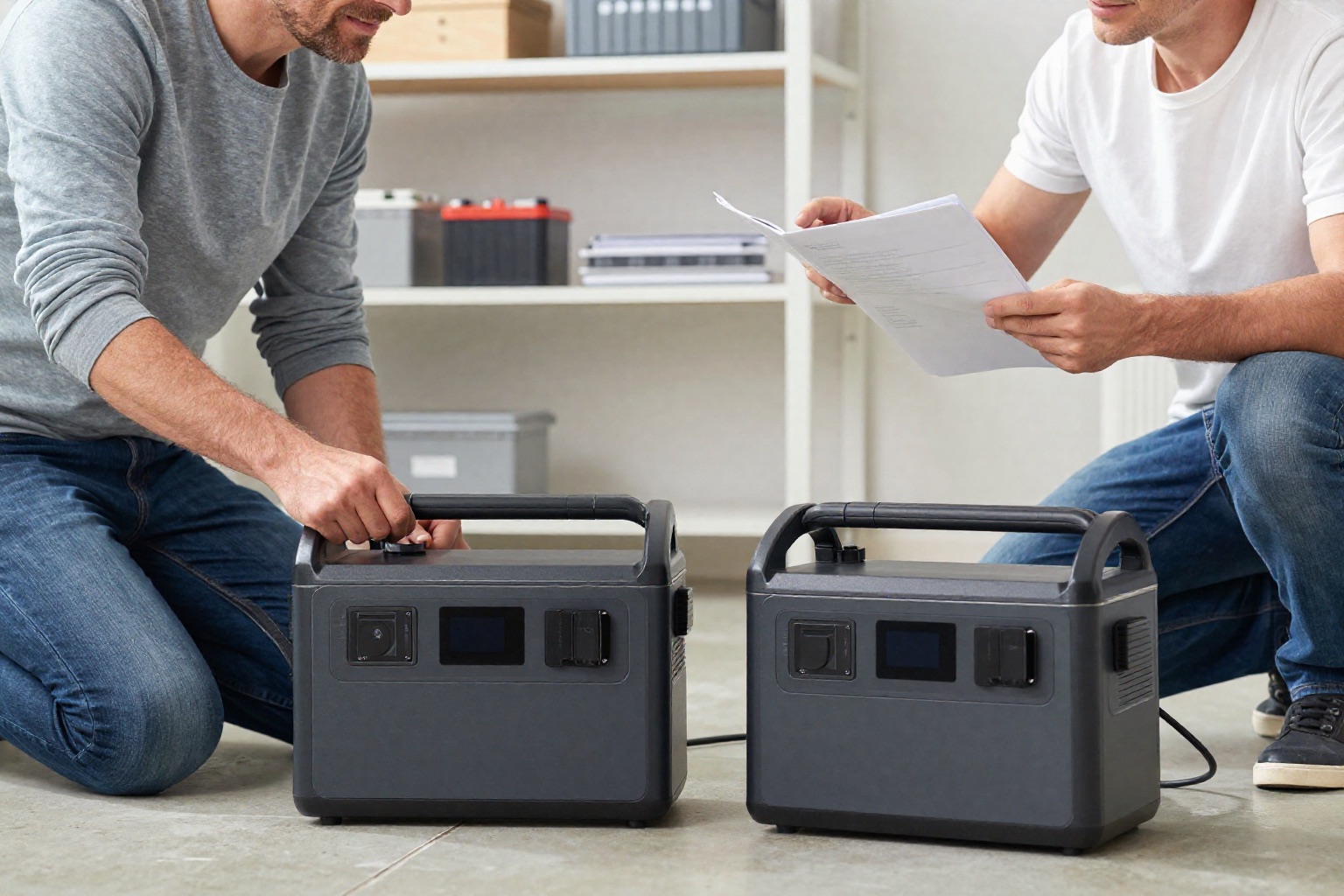
Find the current compatibility list for the base station. Record the station model, regional version, extra-battery model, required cable, and any stated software requirements. If a seller gives only a shortened family name, request the identifiers before ordering. Do not infer compatibility from a photo or from a pack that worked with a previous generation.
As a documented example, EcoFlow's DELTA 3 manual lists DELTA 3 Smart Extra Battery model EF-DL-E10-4 and DELTA 2 Max Smart Extra Battery model EFD350-EB among its compatible packs. That list supports those named pairings with the DELTA 3. It does not establish compatibility with every product carrying DELTA in its name, nor does it authorize mixing all listed packs in one system.[5]
Verify the entire connection package
Read both the base-station and extra-battery manuals. Determine the approved cable and whether it comes in the package. Confirm the supported pack count and configuration with the manufacturer; do not derive a count from the number of ports visible in a photograph. If the documentation does not answer the question, leave it unresolved until support does.
EcoFlow warns against unofficial or unrecommended accessories and against modifying the product. Its DELTA 3 manual also uses a battery icon as the indication that an extra battery is recognized. Follow the exact manuals for setup and shutdown; this guide does not provide a connection sequence, custom wiring method, or a way to adapt an unsupported battery.[5]
Do not mistake an extra battery for a second station
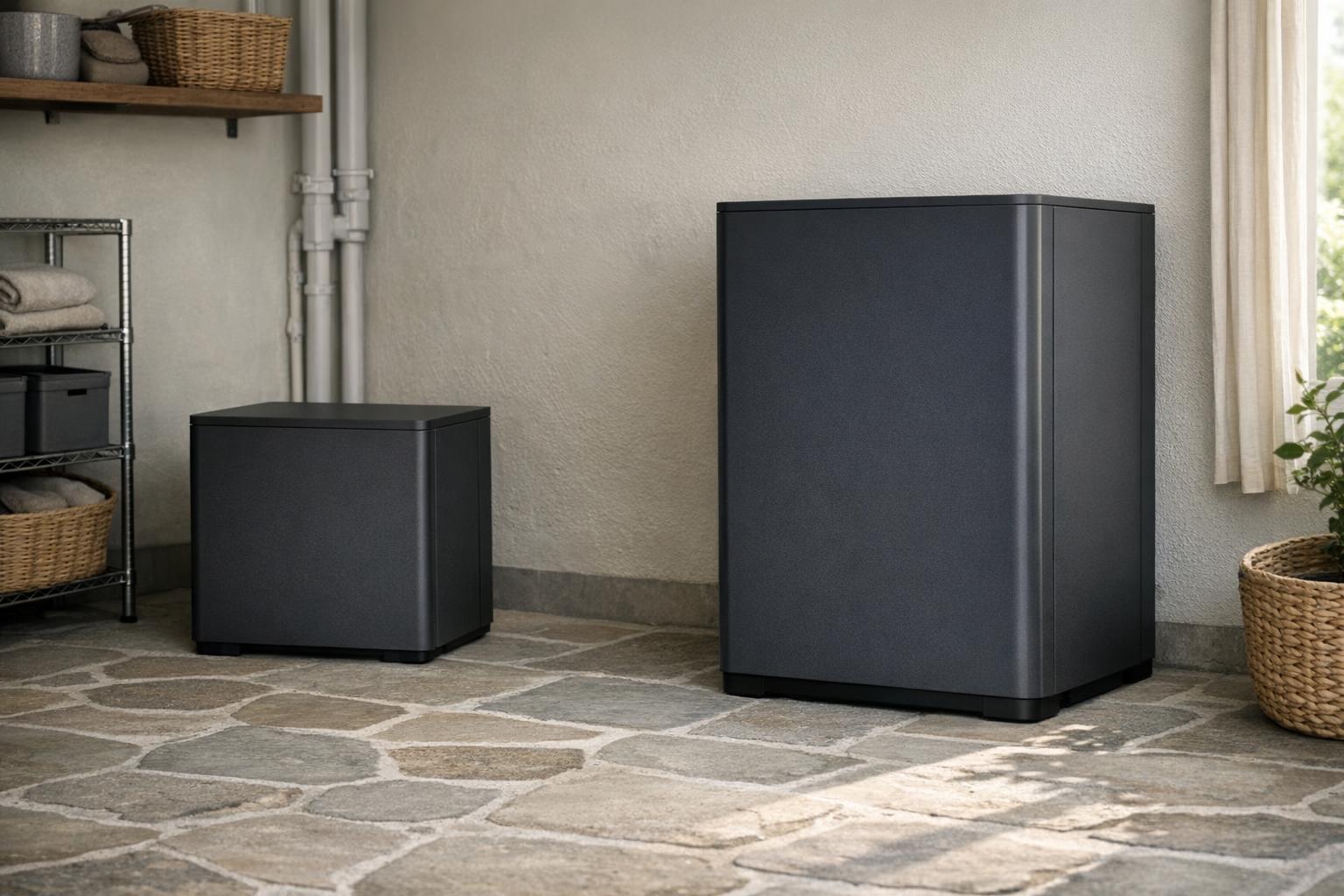
Check what the expansion pack can do independently. Does its own manual document standalone outputs or an independent charging method, or does it depend on the host? Do not assume either answer. The DELTA 3's documented capacity-expansion function describes a system using the station's extra-battery port; it is not a general promise that an attached pack replaces a complete power station.[5]
For two separate rooms or two campers with different schedules, compare the practical role of another independent station against an expansion pack. That comparison is about how you will use the equipment, not an automatic value ranking. Include the need to move units, access controls, and keep each system charged.
Budget charging as carefully as discharge
More stored-energy capacity is useful only if your charging routine can prepare it for the next use. Check the manufacturer's documented system charging behavior and input limits. Do not assume an added battery increases wall or solar charging power. The DELTA 3 manual documents its charging inputs separately from capacity expansion, which is a reason to verify both rather than combine marketing claims.[5]
If solar is the intended refill path, revisit the solar input checklist and make a poor-sunlight plan. If utility power is intermittent, decide which loads will remain connected during recharge and consult the manual's combined-operation limits. A larger system with an unrealistic charging schedule can still fail to meet your planning goal.
| Specification | With a supported extra battery |
|---|---|
| Stored capacity | Expanded through the extra-battery port |
| AC output | Base station's published limits unless documented otherwise |
| Charging input | Documented separately; do not assume it rises |
| Standalone use | Check the pack's own manual |
Include weight, space, and maintenance
Add the pack and approved cable to your carrying and storage plan. Check the dimensions of the complete arrangement and each unit's required clearances. Avoid a layout that blocks controls, ventilation, or a walking route. Moving two documented-compatible boxes is a practical constraint even when the electronic compatibility is settled.
Read the storage instructions for both units instead of applying one generic charge percentage to the entire setup. EcoFlow's DELTA 3 manual prescribes a periodic charge-and-discharge routine for the station, but you still need the extra battery's own instructions. Our storage guide explains how to track separate limits and maintenance reminders.[5]
Decide whether expansion solves the real problem
Use a pass-or-fail purchase sheet:
- Pairing: documented pairing and approved accessories.
- Configuration: a supported configuration.
- Output: known output limits.
- Charging: a usable charging plan.
- Placement: manageable placement.
- Warranty: complete warranty terms.
Price the entire required package using current offers rather than comparing a bare pack with a fully equipped station. A missing cable or unsupported pairing can invalidate the apparent bargain.
For household refrigeration, return to the refrigerator guide and check startup, cycling, and output-timeout behavior again. More capacity does not remove those checks. For general backup, the buying guide helps determine whether expansion or a different base unit better addresses your needs.
Keep manufacturer confirmation and manuals with the equipment. Recheck compatibility before a later purchase rather than assuming a future accessory with a familiar name will fit. No compatibility example in this guide should be read as a recommendation for an undocumented combination.
Our rated picks
The three best-rated models of our expandable power stations ranking, from the buyer review record and the listed specs.


Product images: Amazon listings
References
Manufacturer manuals and independent sources for facts stated in this guide, also linked where the guide states them.
- U.S. Energy Information Administration (EIA): Measuring electricity · watts measure power at a given moment, watt-hours the energy used over time
- EcoFlow DELTA 3 user manual · manufacturer manual: ports, extra battery, app and Bluetooth control