EPS vs. UPS: Check Transfer Behavior Before Trusting Automatic Backup
Learn why EPS and UPS labels do not establish device compatibility, and what to verify about transfer time, bypass operation, loads, and settings.

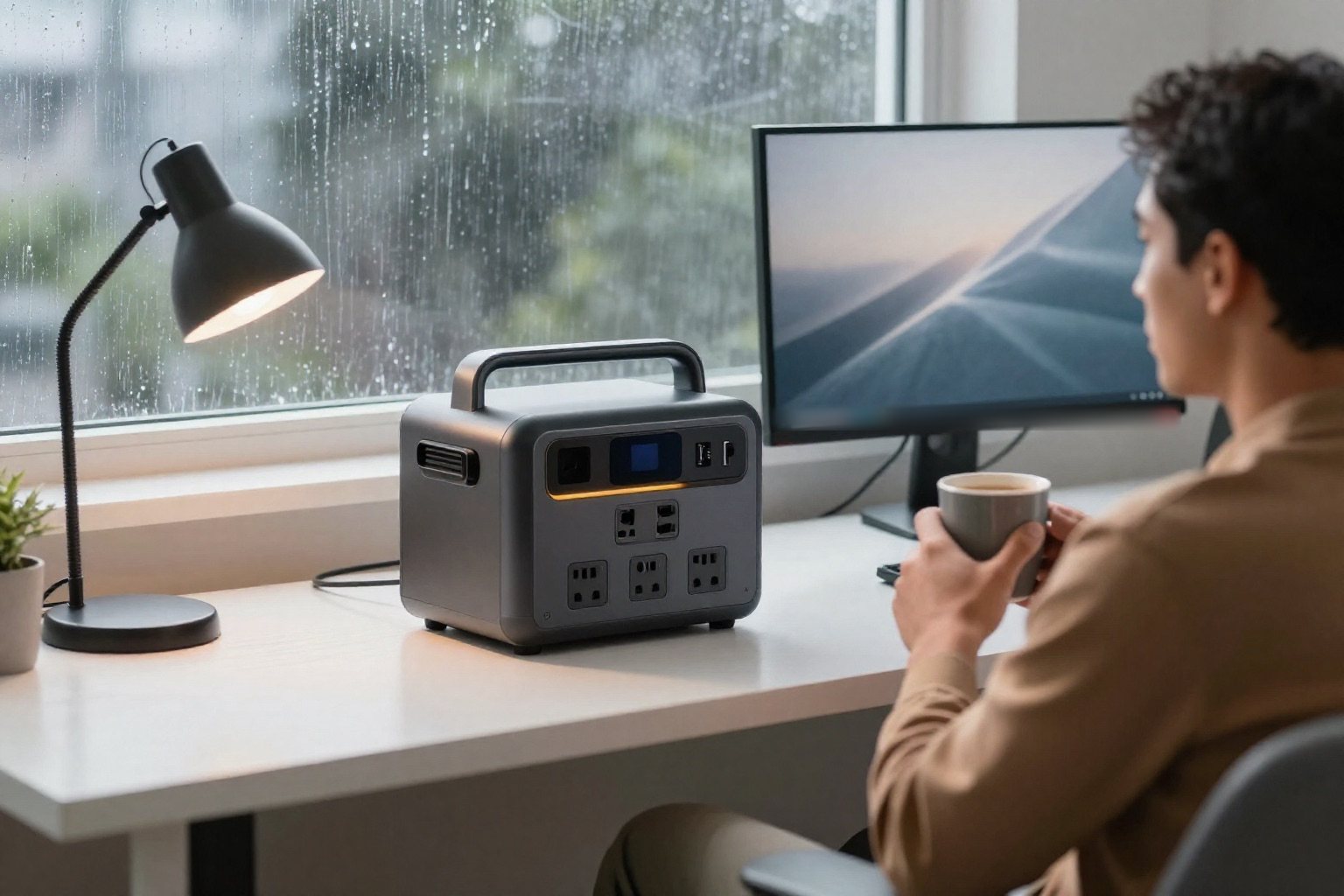
An EPS or UPS sticker does not tell you that a station will carry your equipment through an outage without a blink. Check the exact model's stated switch-over time, which loads it supports, the operating mode and the small print. If something on your desk cannot tolerate even a short drop, ask for a documented match, not a broad backup-power promise.
Affiliate disclosureAs an Amazon Associate we earn from qualifying purchases made through links on this page. Commissions never change our ratings.
Read the exact model's definition
Manufacturers may distinguish emergency power supply, or EPS, from uninterrupted power supply, or UPS, within one product family. EcoFlow's RIVER 3 manual covers several variants and assigns different transfer specifications to them. It tells users to make sure the transfer time meets their device's needs. That model-level distinction is more useful than a generic shopping category.[4]
Do not treat EPS and UPS as labels with one universal transfer time across brands. Do not assume every product called a UPS has zero transfer time, either: EcoFlow describes the DELTA 3 Classic as a standby UPS and specifies a transfer time for it. A label must be read alongside the documented behavior and the receiving equipment's requirements.[2]
A documented example shows why suffixes matter
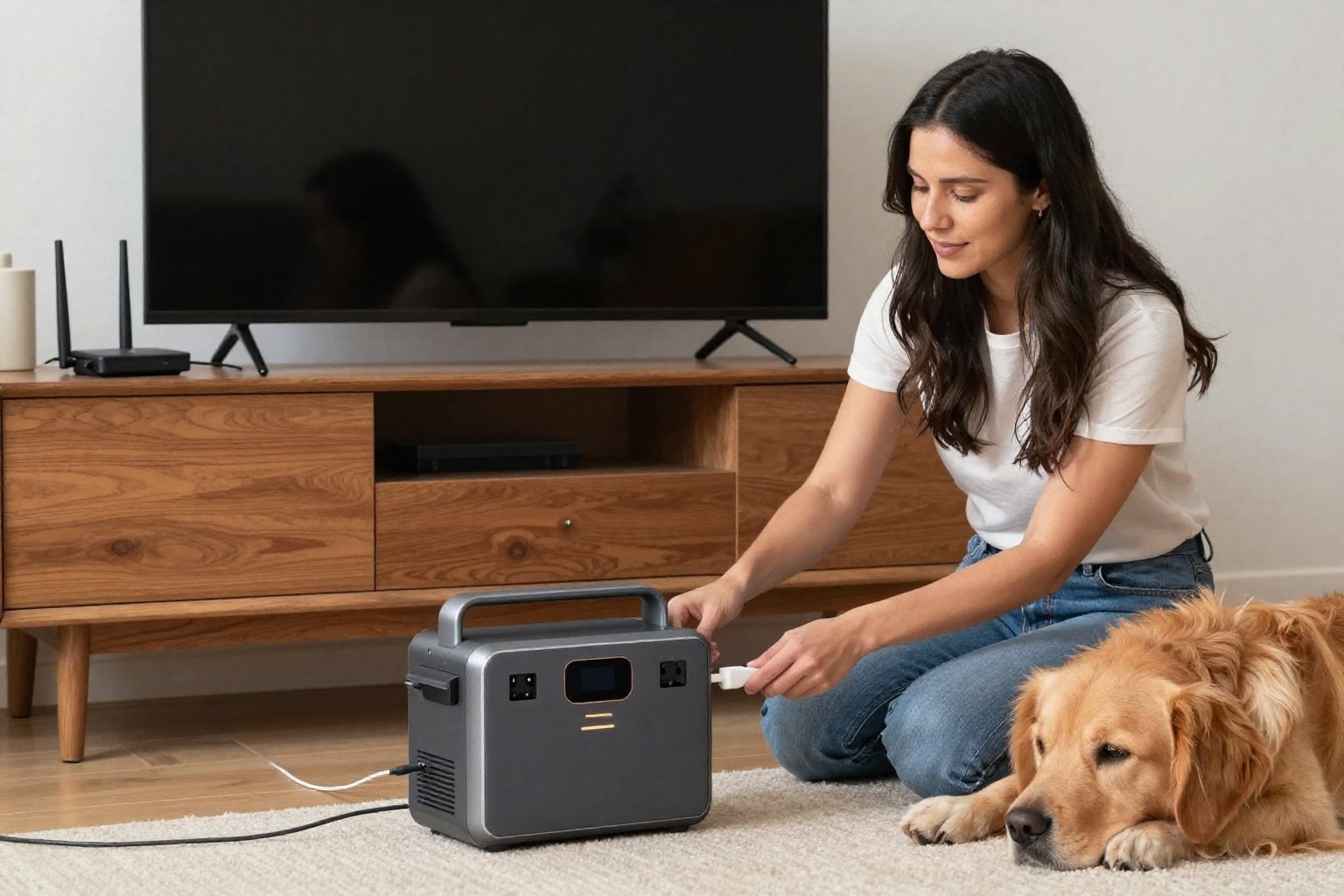
In the RIVER 3 manual, the RIVER 3 and RIVER 3 (230) variants support EPS with transfer within 20 milliseconds. The variant explicitly named RIVER 3 (10 ms UPS) is documented with transfer within 10 milliseconds. These are manufacturer statements for the named variants, not values to apply to other stations.[4]
The same manual warns against connecting the standard RIVER 3 and RIVER 3 (230) to equipment requiring uninterrupted power, naming:
- Desktops
- NAS servers
- Data servers
- Workstations
A similar housing or abbreviated retailer title does not override that warning. Confirm the precise variant on the product and in the supplied documentation before relying on automatic backup.[4]
| Model or variant | Documented mode | Transfer |
|---|---|---|
| RIVER 3 | EPS | Within 20 ms |
| RIVER 3 (230) | EPS | Within 20 ms |
| RIVER 3 (10 ms UPS) | UPS | Within 10 ms |
| DELTA 3 Classic | Standby UPS | Specified in its manual |
Separate transfer from runtime
Transfer behavior describes the change from grid supply to battery supply. Runtime describes how long stored energy can support a load afterward. A larger battery does not, by itself, establish a faster or interruption-free transfer. Those are separate selection questions; our power and energy guide covers the runtime side.
For the energy budget, use the load's consumption and an explicitly stated usable-energy assumption, or reliable documented measurements for the exact configuration. For transfer compatibility, use the power station's manual and the equipment manufacturer's requirements. Do not let a convincing runtime calculation disguise an unresolved interruption problem.

Understand bypass and charging headroom
EcoFlow's RIVER 3 manual describes bypass mode as supplying connected AC devices directly from the grid rather than the station's battery while connected to grid input. That operating mode is not interchangeable with every possible power-conditioning feature. Read the manual instead of assuming that anything passing through a battery station has been regenerated or corrected.[4]
The DELTA 3 Classic manual also notes that its UPS setup needs more input power from the grid than it supplies to connected loads so surplus power can charge and maintain the battery. In practical planning, check simultaneous load and charging requirements against the manual's limits. Do not assume that a station left connected will always have the reserve you expect.[2]
Review settings that can interrupt your plan
Output timeout, charge limits, discharge limits, and restart behavior deserve the same attention as the transfer headline. EcoFlow warns that idle-output timing can shut off AC output when connected to intermittent loads such as refrigerators. The DELTA 3 manual also explains output-memory behavior and exceptions. These are reasons to inspect the exact settings, not instructions to apply one configuration to every model.[2][5]
For a refrigerator, use the refrigerator backup checklist as well. For a computer or storage device, ask the equipment manufacturer about power requirements and supported shutdown arrangements. Do not assume a USB charging port provides data signaling or an automatic safe-shutdown feature; verify that capability separately if it matters to your workload.
Validate noncritical use before depending on it
After compatibility is documented, follow the manufacturers' approved test procedure for noncritical equipment, with work saved and a safe fallback available. Record the variant, settings, load, observed behavior, and recovery when normal power returns.
A successful demonstration does not prove every possible grid event, operating state, or connected-device combination. If loss of power could cause injury, substantial data loss, or an unsafe process, obtain a professionally specified solution rather than treating a casual trial as certification. This guide does not recommend a portable station for life-sustaining or medical equipment.
Choose the right role in your outage plan
If your goal is manually charging phones or operating lights after an outage, automatic transfer may not be the feature that matters most. If your goal is continuity, unresolved transfer compatibility can be a disqualifier even when capacity and price look attractive. Our buying guide helps prioritize the actual job.
Document what the station will support and what it will not. Put that note in the household outage plan, along with reserve expectations and who can operate the equipment. Never connect a station's output to a household wall receptacle to energize wiring. Building-circuit backup requires approved equipment and a licensed electrician, not an EPS setting in an app.
Our rated picks
The three best-rated models of our best portable power stations ranking, from the buyer review record and the listed specs.


Product images: Amazon listings
References
Manufacturer manuals and independent sources for facts stated in this guide, also linked where the guide states them.
- EcoFlow DELTA 3 Classic user manual · manufacturer manual: outputs, X-Boost, AC timeout, solar input
- EcoFlow RIVER 3 user manual · manufacturer manual: cycle life, EPS and UPS transfer times, port limits
- EcoFlow DELTA 3 user manual · manufacturer manual: ports, extra battery, app and Bluetooth control